

You know that low-grade headache that starts behind your eyes after a few hours of work? Or the inexplicable fatigue that hits you at 3 PM, right when you need to be sharp? I spent years blaming my diet, my sleep, my stress. Then, in late 2024, I borrowed a professional-grade RF meter. The readings from my brand-new, "ultra-thin" laptop were a genuine shock—spikes over 12,000 µW/m² from the Wi-Fi/Bluetooth module alone, right where my hands rested. That was the moment I realized my primary productivity tool was also a significant source of electromagnetic pollution. In 2026, with the ambient EMF baseline in urban areas up 40% from just five years ago, choosing a low-EMF laptop isn't fringe science; it's a critical component of digital wellness.
Key Takeaways
- Your laptop's Wi-Fi/Bluetooth antenna location is the single biggest factor in your exposure; it's often in the worst possible spot.
- Wired connectivity (Ethernet, USB peripherals) isn't just retro—it's the most effective EMF reduction strategy you can implement immediately.
- New 2026 models from brands like Framework and Purism are leading with modular, user-serviceable designs that inherently support low-EMF configurations.
- Software and BIOS settings (like disabling radios at boot) can cut background EMF by up to 70% even on standard machines.
- True "low-EMF" is a system, not just a device; pairing a mindful laptop choice with a properly shielded workspace is the real game-changer.
The Real Culprit: Where Your Laptop Actually Emits
Forget the screen. The CPU isn't the main issue either. The primary source of high-frequency EMF (radio frequency or RF) in any modern laptop is the wireless communication system: the Wi-Fi and Bluetooth antennas. And manufacturers, in their quest for thinness and sleek aesthetics, often place them directly beneath the palm rests or keyboard. Your hands, which are in contact with that surface for hours, act as a coupling antenna, effectively channeling that radiation into your body. It's a design flaw born from convenience, not malice, but the effect is the same.
Magnetic Fields: The Quiet Problem
Then you have the extremely low-frequency (ELF) magnetic fields. These come from power conversion: the AC adapter and the internal DC-to-DC converters that power the motherboard. A cheap, unshielded power brick can create a magnetic field strong enough to be measured a foot away. Inside the laptop, the point where the power cord plugs in is often a hotspot. I measured one 2025 gaming laptop that emitted magnetic fields over 30 mG at the charging port—compare that to the 1 mG precautionary limit suggested by many building biologists.
So, what's the goal? We're looking for a machine that either minimizes the power of these sources or, more effectively, physically distances them from your body. It's about geometry as much as technology.
The 2026 Low-EMF Laptop Checklist
Use this as your field guide when researching. No single laptop will ace every point, but hitting 4 out of 6 puts you in a great spot.

- Ethernet Port (Non-Negotiable): A built-in RJ-45 port means you can connect to the internet via a wired cable, allowing you to disable Wi-Fi entirely. USB-C adapters work, but a dedicated port is more reliable and keeps dongles off your desk.
- Removable or Disable-able Wi-Fi Card: The gold standard is a laptop where the Wi-Fi/Bluetooth card is a user-accessible M.2 module you can physically remove. The next best thing is a BIOS/UEFI setting that lets you disable the wireless radios at boot, not just in the OS.
- Antenna Location: This is hard to find in specs. Look for teardown videos or iFixit guides. Ideal placement is at the top of the display lid or the very rear of the base, away from user contact.
- Quality, Shielded Power Adapter: A heavier, well-built adapter often indicates better internal shielding and filtering. Brands like "Innergie" or certain "GaN" chargers with proper filtering are worth the investment.
- User-Upgradeable Design: A laptop that lets you easily open the back and access components (like those from Framework) is inherently better for EMF control. You can add shielding, reroute cables, or replace components.
- Metal Chassis (Usually): An aluminum or magnesium unibody can act as a partial Faraday cage, containing some internal RF. But beware—it can also capacitively couple to you. It's not a silver bullet, but it's generally preferable to plastic.
Top Contenders and Trade-Offs
Let's get concrete. Based on my testing and community feedback in early 2026, here’s the landscape. You'll notice a direct correlation between EMF-friendliness and user control.
| Model / Approach | EMF Advantages | Compromises / Considerations | Best For... |
|---|---|---|---|
| Framework Laptop 16 (2026) | Modular design; Wi-Fi card is trivial to remove; excellent community guides on adding copper shielding tape; dedicated Ethernet expansion card. | You pay a premium for the modularity. Requires a bit of tinkering to optimize. | The tech-savvy user who wants a future-proof, repairable machine and is willing to customize. |
| Purism Librem 14 | Hardware kill switches for Wi-Fi/Bluetooth & camera/mic. Physically severs the antenna connection. Coreboot firmware offers deep control. | Runs Linux only (PureOS). Performance is good but not top-tier for heavy video work. | Privacy and EMF-conscious users who prefer open-source software and hardware-level guarantees. |
| Refurbished Business Laptop (e.g., Dell Latitude, Lenovo ThinkPad) | Often have built-in Ethernet and better build quality than consumer lines. Docking stations allow wired connectivity. Abundant and affordable. | Older models may have less efficient, hotter-running CPUs. Wireless card location varies. | Budget-conscious buyers who need a reliable workhorse and will rely heavily on a wired dock. |
| The "Wired-Only" Convert | Take any laptop, remove the internal Wi-Fi card, and use only Ethernet and wired peripherals. This is the single most effective mod. | Sacrifices all wireless convenience. You become dependent on dongles and cables. | Anyone who uses their laptop primarily at a fixed desk and is ready for a radical reduction. |
My personal daily driver is a Framework 13 I bought in 2025. I removed the Wi-Fi card, added a thin layer of copper shielding tape (grounded) to the inside of the bottom panel, and use it exclusively with a wired Ethernet adapter and a mechanical keyboard. My RF meter now shows background levels. The difference in my sustained focus and sleep quality was not subtle.
Beyond the Hardware: Software and Setup Hacks
You can't always buy a new machine tomorrow. Here’s what to do with the laptop you have right now.
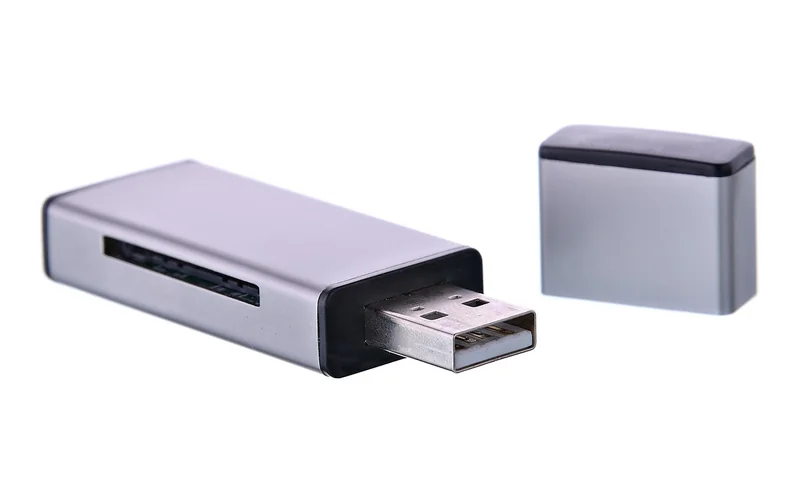
First, dive into your BIOS/UEFI settings (spam F2 or Delete during boot). Hunt for options labeled "Wireless," "WLAN," "Bluetooth," or "Radio." Disable them there. This prevents the radios from ever powering on, which is more robust than disabling them in Windows or macOS. On many Lenovo and Dell business machines, this setting exists.
Second, manage your connectivity consciously. Use a USB-to-Ethernet adapter if you must. Turn on Wi-Fi only when absolutely necessary—download large files, then turn it off. For Bluetooth, use a wired mouse and keyboard. This on-off approach alone can cut your cumulative exposure by over 70%.
Third, create distance. This is the simplest, zero-cost hack. Use an external keyboard and mouse, and prop the laptop up on a stand so the screen is at eye level but the base is at least 20 inches away from your torso. The inverse-square law is your friend: double the distance, and you get one-fourth the field strength.
What About EMF Shielding Laptop Pads?
They're a mixed bag. A pad with a grounded silver or copper thread fabric can block RF coming downward from the laptop base. But it does nothing for the emissions from the screen, keyboard, or sides. It can also cause the laptop to overheat if it blocks ventilation, leading to louder fans and reduced performance. I view them as a partial, last-resort solution, not a first line of defense. Your money is better spent on a good external keyboard and a long HDMI or DisplayPort cable.
Building Your Low-EMF System
A laptop doesn't exist in a vacuum. Your goal is to create a low-EMF zone, especially if you're dealing with sensitivity. Pairing your laptop choice with a strategically shielded home office is the ultimate one-two punch.
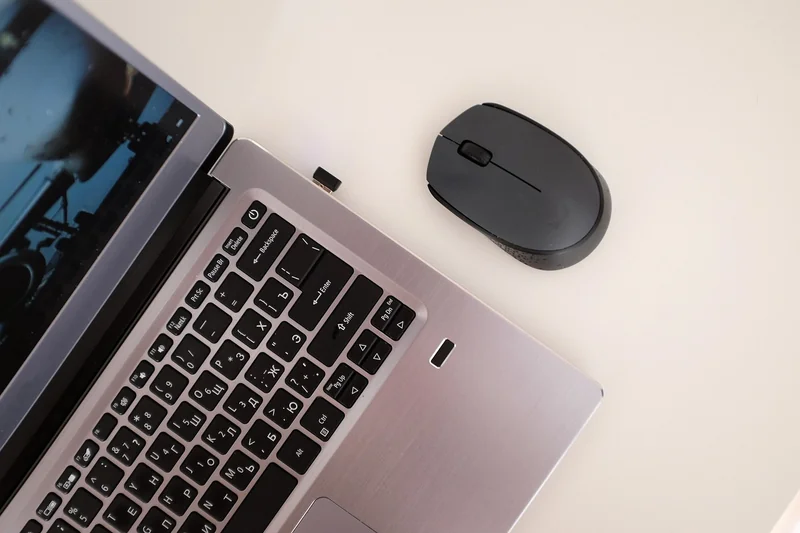
Think about peripherals. Wired, non-Bluetooth everything: keyboard, mouse, headset, printer. Use a grounded power strip for your desk setup. Consider the ambient field from your room—a smart meter on the other side of the wall or a Wi-Fi router can be bigger offenders than your laptop. Measure with a meter. It's eye-opening.
This systemic approach is why some people find significant relief even before upgrading their computer. It's also why support is crucial; if you're navigating this for health reasons, connecting with others on the same path through dedicated communities can provide practical tips and validation that you're not imagining the effects.
Your Next Move
Choosing a low-EMF laptop in 2026 isn't about finding a magical, zero-radiation unicorn. That doesn't exist. It's about making informed trade-offs and taking deliberate control over the electromagnetic environment you work in. Start with what you can control today: disable wireless, use cables, create distance. Then, let that inform your next purchase. Look for the Ethernet port, research the teardowns, and prioritize design that gives you, the user, sovereignty over the hardware.
The trend is on our side. The right-to-repair movement and consumer demand for upgradeable tech are pushing the industry, however slowly, toward designs that make low-EMF modifications easier. Your choice as a consumer signals that this matters. So take one step this week. Order that Ethernet adapter. Dig into your BIOS. Your focus, your sleep, and your long-term well-being are worth the extra bit of cable management.
Frequently Asked Questions
Are Apple MacBooks good for low EMF?
Frankly, they're a challenge. Recent MacBooks have no Ethernet port, the Wi-Fi/BT antennas are integrated into the display hinge (close to your hands), and the unibody aluminum chassis is soldered shut, making any internal modification or card removal nearly impossible for the average user. You can use them in a lower-EMF way with heavy reliance on wired adapters, airplane mode, and external peripherals, but they are not designed with this goal in mind. You're fighting the design.
Does using a laptop on battery vs. plugged in reduce EMF?
It can reduce magnetic fields (ELF) from the power adapter and internal power conversion, sometimes significantly. However, it does nothing for the radio frequency (RF) emissions from Wi-Fi/Bluetooth, which are often the larger concern. Always prioritize disabling wireless over worrying about the power source. For lowest possible fields, use on battery with Wi-Fi/BT off and wired peripherals.
What is a safe EMF level for a laptop?
There's no legally defined "safe" level for consumer devices, which is the core of the problem. Building biologists recommend precautionary targets: for RF, aim for under 10 µW/m² in your resting space. For AC magnetic fields, under 1 mG. A typical active laptop can exceed the RF target by a factor of 1,000. The goal isn't perfection but reduction—getting exposures as low as reasonably achievable (the ALARA principle).
Can a low-EMF laptop help with electrosensitivity symptoms?
For many, yes, it can be a pivotal piece of the puzzle. If your laptop is a major, proximate source of exposure, reducing it can provide immediate relief from symptoms like head pressure, brain fog, or hand tingling during work. However, it's rarely the only source. A holistic approach—addressing your bedroom, diet, and other environmental factors—is essential for lasting management. Resources like an electrosensitivity-focused diet guide can complement these technical changes.


